

A WhatsApp AI chatbot that answers after hours.
Someone messages your business WhatsApp at 9:47pm. This chatbot answers, qualifies them, captures what you need, and books the diary. You import a Make blueprint and edit it in plain English. No code, no hosting, no developer.
Introductory price. No subscription, no upsell, no per-message fee.
Secure checkout · instant download · 30 day guarantee
Before we start, what’s your name?9:47 pm
Example only — your logo, your business name, your wording, your booking link, your loan types on the buttons.

The agent answers, qualifies and books it. You finish dinner.
See the AI WhatsApp Agent Engine in action
A quick look at how the agent handles your WhatsApp enquiries for you.
Enquiries come in after hours.
They arrive on a Sunday afternoon, in a lunch break, at 10pm after the kids are down. By the time you reply on Monday morning, they have messaged two other brokers and a bank.
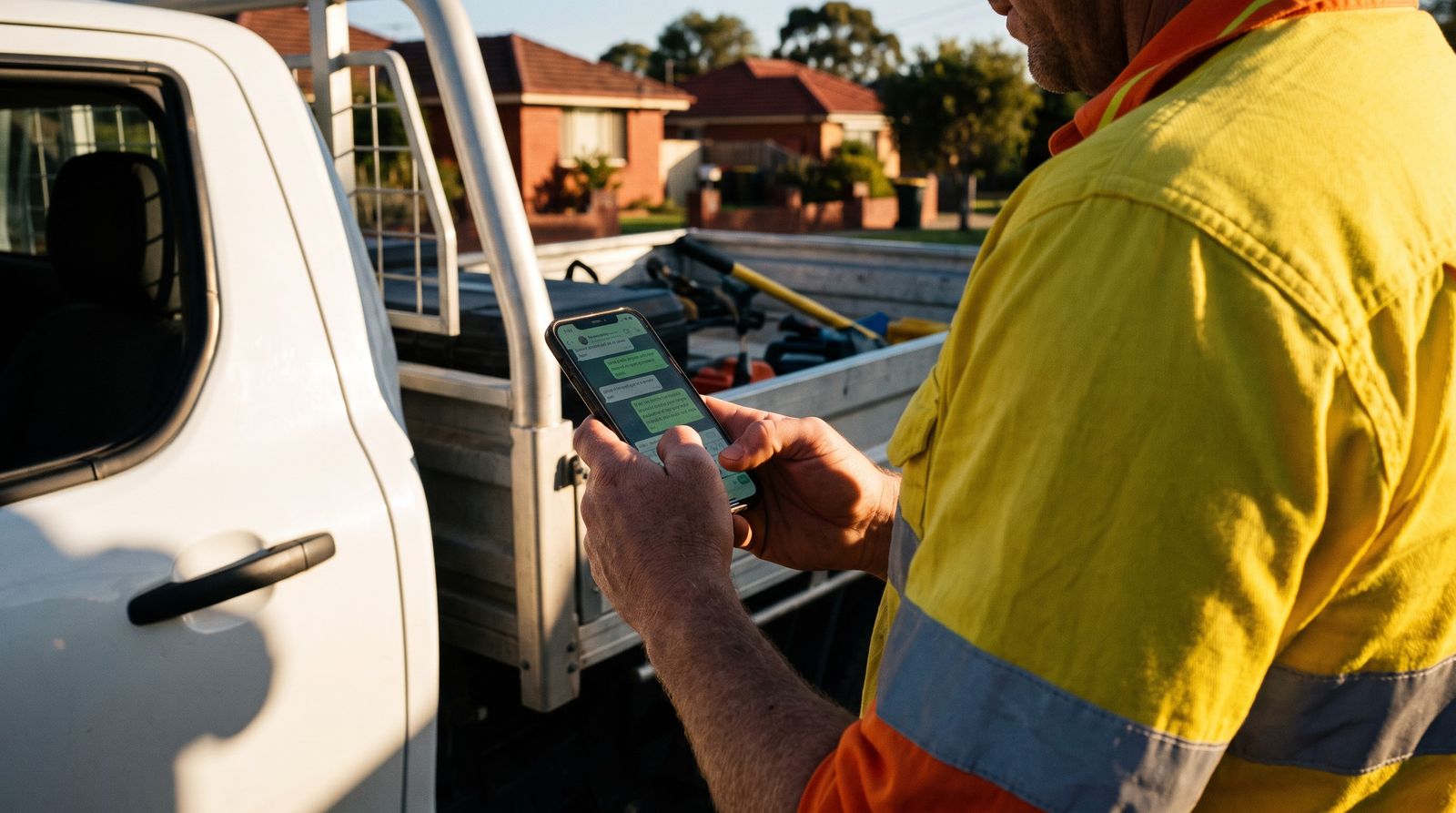
This is where your next enquiry is written from. Not a contact form at 11am on a Tuesday — a phone, one-handed, at the end of a job.
The whole build, not a tutorial about one.
Every prompt, config file, guide and compliance document needed to take a WhatsApp number from nothing to a working agent. Eleven printable PDF guides and the importable blueprint, downloaded as one ZIP the moment you pay.
The Make blueprint
The complete scenario as an importable JSON file. Router, memory lookup, opt-out handling, model call, reply, logging and hot-lead routing, already wired. Import it, connect your accounts, done.
The broker system prompt
A written-for-brokers persona: what it may say, what it must never say, how it handles rate questions, when it stops talking and hands to a human. Editable in plain English, no code.
WhatsApp Cloud API setup guide
Step by step through the Meta Developer app: Phone Number ID, Access Token, App Secret, Verify Token and the webhook callback. Screenshot-led, written for someone who has never opened Meta for Developers.
Conversation memory, built in
Two Make Data Stores with the exact field specs, so the agent remembers what was already discussed instead of restarting every message. Configurable window, sensible default of the last 15 messages.
Model gateway, pre-wired
OpenRouter set up as the AI gateway inside the scenario, so you change models by editing one line. Includes how to pick a model on guardrail-holding rather than writing quality, and how to cap your spend.
Booking and handover flow
The agent sends people to your booking link once they are ready, classifies every conversation, and pushes hot enquiries and escalations to your phone immediately instead of parking them until morning.
Australian compliance pack
Spam Act opt-out handling built into the scenario, Privacy Act guidance including offshore disclosure, an AI-disclosure line, the no-credit-advice guardrail, and a file-note pattern for your Best Interests Duty record.
Go-live and troubleshooting guides
Getting off the Meta test number onto your real business number, plus the fault-finding guide for every failure we hit building it, in the order they actually happen.
Broker knowledge base starter
A structured template for the things the agent should know cold: your services, your lender panel, your document checklists, your fee position and your standard objection answers.
One file. Every branch already wired.
This is the scenario, not a marketing diagram. Four routes off one router, so an opt-out never reaches the model, a first-time enquiry gets your AI disclosure before anything else, and only real conversations cost you tokens.

Import it, connect your accounts, and walk your team through it. Every module is readable.
Every box is a Make module you can open, read and change. Nothing is hidden in code, and nothing phones home to us.
Eight steps. One afternoon.
This is the whole method, in order. Each step has its own guide, with screenshots, the exact wording, and the Make module you paste it into.
Start Meta verification
The only step with a queue, so it goes first. Create the Meta Business account, submit your entity for verification, then get on with everything else while it runs.
Write your knowledge base
The highest-value hour in the build, and the only part nobody can do for you. Your services, lender panel, document checklists, fee position, and the ten questions you answer every week.
Connect WhatsApp
Create a Meta Developer App, add the WhatsApp product, and collect the credentials that let your agent receive and send. Build against Meta’s free test number first.
Create the memory stores
Two Make Data Stores, field specs supplied exactly. One row per contact, one row per message. This is the agent’s memory, and it is yours to read, export and delete.
Import the blueprint
One JSON file into Make. The whole scenario appears already wired: router, memory lookup, opt-out branch, model call, reply, logging, hot-lead alert. You connect your accounts and pick your data stores.
Paste in the brain
The system prompt drops into one field. It sets the voice, what the agent captures, what it must never say, when it hands to a human, and the JSON it replies in. Plain English, edit it any time.
Try to break it
The supplied adversarial test set: ask for a rate three times running, claim hardship, attempt prompt injection, send STOP. Twenty minutes that decide whether this is safe on a licensed broker’s number.
Go live, narrowly
Move onto your real number, point one channel at it, and read every transcript for the first week. Widen once a week passes with nothing you would want to take back.
Before we start, what’s your name?7:12 am
It knows when to stop talking.
The guardrails are the point. The agent handles the repetitive front half of the conversation and refuses the parts that belong to a licensed human. Every conversation is classified and routed, so nothing sits in an inbox unread.
Qualified and readyDetails captured, intent clear, time booked. Notification hits your phone with the transcript attached.
Interested, not readyAnswered their questions, no booking yet. Lands in your CRM tagged for a follow-up sequence.
Timing is offSettling next year, contract not signed, still saving. Diarised rather than discarded.
Opt-out or escalationThe agent stops immediately, records the request, and either closes out or hands the thread to a human.

A HOT conversation pushes to your phone the moment it is classified, with the transcript and the captured details attached.
A client who is already halfway there.
The agent does not just reply. It works out what they need, captures the things a broker would have to ask for anyway, and hands you the conversation with the groundwork done. You start the call knowing the amount, the purpose, the trading history and the best time to ring.
Illustration of the flow. The brief lands in your CRM or on your phone the moment a conversation is marked hot.

The first call is not a discovery call any more. You already know the amount, the purpose, the trading history and when to ring.
The rules that keep it off your licence.
These are hard rules lifted straight out of the system prompt, word for word, not a paraphrase. Copy them into whatever you are already running. You do not have to buy anything.
The agent must never:
The paid version adds the wording it uses instead, so a refusal still moves the conversation forward rather than killing it.
Three ways to end up with the same agent.
What it costs you after the download.
Nothing goes to us. These are the accounts the agent runs on, billed by the providers directly, at whatever their current published rates are.
| What | Who bills you | How it is charged |
|---|---|---|
| WhatsApp messaging | Meta | Free for this build. Meta does not charge for replies sent inside the 24-hour window after a customer messages you first, which is the only thing this agent ever does. Check Meta’s current pricing page before you add any outbound messaging. |
| AI model calls | OpenRouter | Pay as you go, per token, at the rate of whichever model you select. You can start on a cheap model and move up once it behaves. |
| Make | Make | Any paid plan. Roughly eight to ten operations per inbound message, so a hundred-message month is around a thousand operations. Most brokers already have room on an existing plan. |
| Hosting | Nobody | None needed. Make hosts the webhook and runs the scenario. There is no server for you to deploy, secure or pay for. |
| The Engine | The Broker Times | $149 once. No subscription, no per-message clip, no licence renewal. |
We deliberately do not quote provider prices on this page. Meta and OpenRouter both change theirs, and a stale number here would cost you money.
What you need on the desk.
Meta and OpenRouter are free to set up. Make needs a paid plan, and most brokers already have one. The guide walks you through each if you have not used them before.
An AI on your business number is still you.
Anything the agent sends carries your name, your credit representative number and your obligations. The compliance pack is not an afterthought bolted on the end. It is written into the system prompt from step two.
It never gives credit advice
General information only. No rate quotes, no borrowing capacity promises, no product recommendation. Those questions trigger a handover to you, and the guardrail wording is supplied.
Consent and opt-out
The agent responds to inbound messages and honours a stop request immediately. Opt-out wording and consent-gate patterns are included, aligned to Spam Act obligations for commercial electronic messages.
It says it is an AI
A disclosure line runs at the top of every new conversation. Clients know what they are talking to and how to reach a person, which is both the decent thing and the defensible one.
Records you can produce later
Full transcripts stored against the contact, plus a file-note capture pattern so the conversation can support your Best Interests Duty record rather than sit outside it.
Read this bit. The compliance pack is a starting framework built for a typical Australian broking business. It is not legal advice, and it is not a substitute for your own licensee’s policy. Run it past your aggregator, licensee or compliance manager before you point it at real clients. You remain responsible for everything sent from your number.
From download to first conversation.
Open the start-here guide. It puts the eight steps in the right order, starting with the one that has a queue.
Field specs supplied exactly. Stores first, then one JSON import and the whole scenario appears.
WhatsApp connection, OpenRouter key, booking link. Make registers the webhook with Meta for you.
Message the agent from your own mobile on the Meta test number. Run the supplied adversarial set. Tighten the prompt until it holds.
Point it at one channel first, a single ad or your website, and read every transcript for the first week before you widen it.
Is this actually for you?
Tick what is true. If most of it is not, do not buy this — we would rather you kept the $149 than joined the refund queue.
You have the pieces. The build is an afternoon and the guarantee covers you for thirty days. Get the Engine
Straight answers.
No. There is no code in this build at all. You import a Make blueprint, click through connecting your accounts, and paste your own words into two fields. If you have ever set up a Make scenario or a Zap, this is that. If you have not, the guide assumes you have not.
The technical build is an afternoon if nothing goes sideways. Meta’s app verification can add a day or two depending on your business setup, and writing a genuinely good knowledge base takes most people longer than the build does. Plan for a working test agent on day one, and live on your real number within the week.
Less than most people expect. Meta charges nothing for replies inside the 24-hour window after a customer messages you, which is all this agent does. So you are paying for AI tokens through OpenRouter, and Make operations on a plan you probably already have. No hosting. Nothing recurring comes to us. We do not print provider figures here because they change, and a stale number would mislead you.
It can be, and the pack is built to keep it that way: AI disclosure, general information only, no credit advice, honoured opt-outs, stored transcripts and a file-note pattern. But compliance is your licensee’s call, not ours. Show the system prompt and the compliance pack to your aggregator or compliance manager before you connect a real client-facing number.
Yes. The agent returns structured fields, not just chat, and the scenario already has an outbound webhook step that fires on hot leads and handovers. Point it at your CRM, a Slack channel, another Make scenario, or a Google Sheet. Because you are in Make, adding a module for your specific CRM is a two-minute job rather than a code change.
That is exactly why the build routes through OpenRouter instead of hard-wiring one provider. Change one line in one Make module and the agent runs on a different model. Nothing about the WhatsApp integration needs rebuilding. The guide also covers choosing a model on guardrail-holding rather than writing quality, which is where cheap ones actually fail.
Any language model can be wrong, which is why the guardrails are the most important files in the pack. The agent is scoped to your knowledge base, blocked from quoting rates or capacity, and instructed to hand over rather than guess. You also test it against yourself before any client sees it. Treat it as a very fast, very literal receptionist, not as an adviser.
A single ZIP, downloadable immediately after checkout: the importable Make blueprint, plus eleven branded PDF guides you can read on screen or print — the system prompt with its guardrails, the knowledge base template, the data store specs, five setup guides covering Meta, Make, OpenRouter, testing and troubleshooting, and the Australian compliance pack with a pre-launch checklist. The system prompt and the knowledge base template also come as plain text files so you can copy and paste them straight into Make. Updates are free for life and emailed to you.
Not at this price. This is a build kit, not a done-for-you service. If you get properly stuck, send us the failing module and we will point you at the right part of the troubleshooting guide, but we do not log into your Meta or Make accounts.
Built by the people who write the news you read.
The Broker Times covers Australian broking — ASIC, APRA, rate decisions, lender policy, the things that actually change how you write loans. This came out of that, not out of a generic AI course.
Best Interests Duty, the Spam Act, the Privacy Act and offshore data disclosure are handled specifically, because a template built for a US realtor does not touch any of them.
The blueprint is wired against Meta’s actual webhook payload and Make’s live module schemas, not a guess at what they return.
The guides say plainly where the limits are — Meta’s verification wait, the 24-hour window, what happens when a model gets it wrong.
If it is not what you expected, we refund you.
Email us within 30 days of purchase and we will refund you in full. You keep the files. We would rather you told us what was missing than sat on something you did not use.
WhatsApp is a trademark of Meta Platforms, Inc. The Broker Times is not affiliated with Meta.The enquiry is already typing.
Build the agent this afternoon, test it on yourself tonight, and stop losing the after-hours ones to whoever replies first.
Secure checkout · instant download · 30 day guarantee
The AI WhatsApp Agent Engine is educational and productivity software. It is not legal, compliance or credit advice, and it does not create a credit representative relationship. WhatsApp is a product of Meta Platforms, Inc. Make is a product of Celonis. OpenRouter is an independent service. The Broker Times is not affiliated with, endorsed by or sponsored by any of them. You are responsible for your own obligations under the National Consumer Credit Protection Act, the Privacy Act 1988, the Spam Act 2003 and your licensee’s policies, and for anything sent from your business number.